Locked out of your Android device after a factory reset? Learn the official, safe methods to verify your ownership and recover your phone, and discover how to protect your sensitive files before the next wipe occurs.
To bypass Android Factory Reset Protection (FRP) legally, you must use the original Google Account credentials, provide proof of purchase to the manufacturer, or use authorized carrier tools. Third-party "crack" tools often contain malware. We strongly advise securing your data with secondary, cross-platform encryption before attempting any system resets.

This guide strictly covers legitimate, owner-authorized recovery methods. We do not provide instructions, exploit codes, or software recommendations for bypassing security on stolen or third-party devices. Our focus is on helping owners recover their legally purchased hardware and implement strong secondary data protection.
Factory Reset Protection (FRP) is a built-in security feature on modern Android systems. It is designed to ensure that if a device is wiped, reset, or flashed without authorization from the settings menu, it cannot be used without the original Google Account credentials.
If you forgot your password, bought a used phone with a locked screen, or simply need to wipe an old Android phone to trade it in, you will encounter the FRP lock. However, many users confuse device recovery with data security. Bypassing FRP resets the phone to factory settings, meaning standard files are wiped entirely. If you are doing a reset, your first priority should be ensuring your sensitive files are backed up and encrypted independently of the phone's operating system.

Select your current situation to see the correct legal recovery path:
There is no magic "ADB FRP bypass command" or universal "free Samsung FRP unlock tool" that works safely on modern Android 13, Android 15, or Android 16 devices without significant risks to the operating system. Here are the supported ways to regain access.
The safest "Android 15 FRP bypass" is simply recovering your credentials. If you are locked out, use a computer to visit Google’s account recovery page. If you have a secondary email or phone number attached to the account, you can reset your password. Note: Google implements a 24-72 hour security lockout after a password change before you can log into a reset device.

If you have the original receipt, authorized repair centers can remove the FRP lock. For a "bypass frp samsung" situation, taking the phone to a Samsung Experience Store with proof of purchase guarantees a safe reset without relying on shady "easy samsung frp tool 2024" downloads that often contain adware.
The best way to "bypass" FRP is to prevent it. If you plan to sell or reset your phone, go to Settings > Accounts and remove your Google account before performing the factory reset. This ensures the next user will not trigger the FRP lock.
Resetting a phone highlights a massive flaw in standard mobile security: if your screen lock is compromised or bypassed, all your files are exposed. We highly recommend establishing an independent encryption layer so your data security isn't tied solely to your device's lock screen.
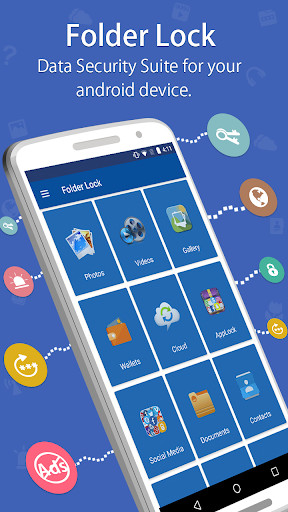
[ Encrypted Vault & Dashboard Interface ]

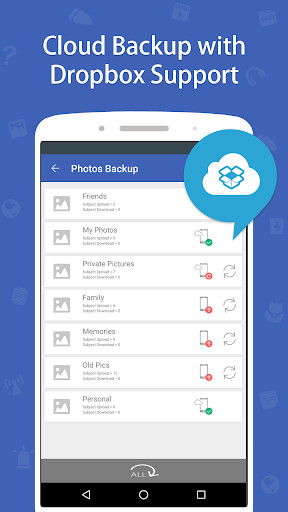
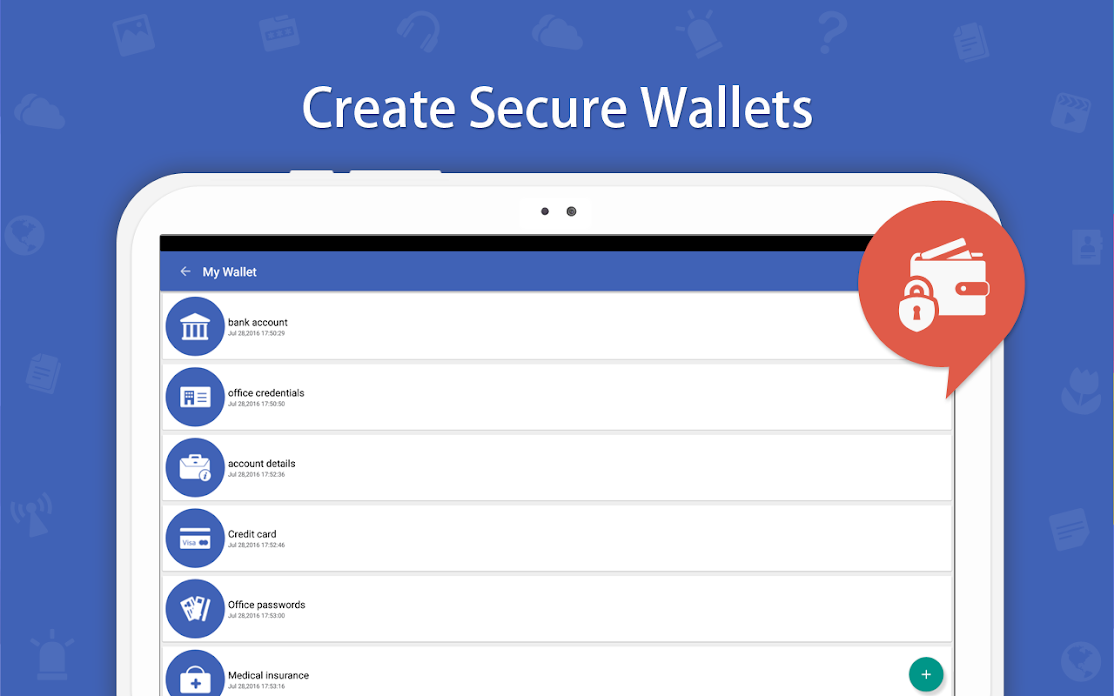
Folder Lock Android isolates your sensitive photos, videos, digital wallets, and personal apps behind military-grade encryption. If someone attempts to guess your secondary PIN, the app silently snaps a photo of the intruder. Crucially, it allows you to sync your encrypted vault directly to Dropbox, Google Drive, or OneDrive, ensuring your data survives even if the phone undergoes a total system wipe.
Whether you use built-in tools or robust third-party software, configuring these advanced features is essential for true mobile privacy.
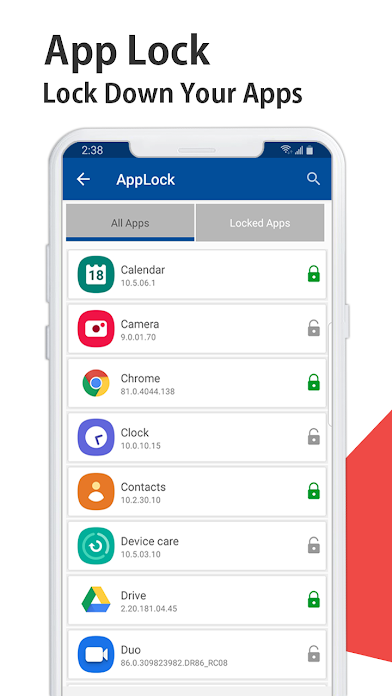
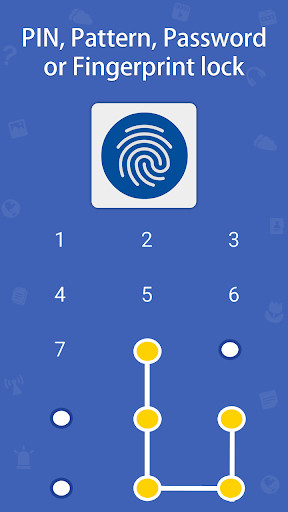
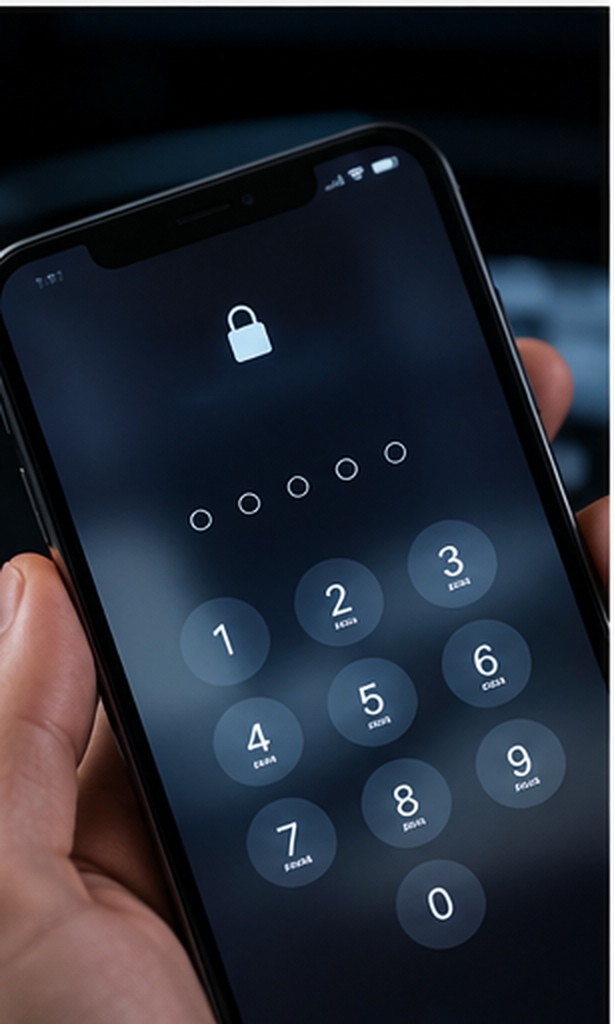
A strong app lock prevents access to your private applications (like WhatsApp, Banking, or Gmail). Tools like Folder Lock allow you to set a secondary PIN or Pattern specifically for these apps. This prevents "shoulder-surfers" who may have seen your main phone screen PIN from accessing your financial or personal data.

What happens when someone gets their hands on your phone and tries to guess your vault password? Advanced security software monitors these attempts. If an unauthorized user inputs incorrect login credentials, the application silently captures a photograph of them using the device's front-facing camera, logging the exact time of the breach attempt.

If you need to know how to hide sensitive apps from the home screen entirely, Stealth Mode is the answer. This feature removes the vault's app icon from your phone's app drawer completely. The only way to launch the encrypted vault is by opening your phone's standard dialer and typing in a specific, secret numeric code.

When researching sensitive topics or accessing web-based accounts, your browser history is a vulnerability. Using a built-in secure browser ensures that absolutely no cookies, temporary files, or browsing history are saved to your device once you exit the session.

One of the most dangerous aspects of performing an Android reset or handling a locked phone is the potential exposure of financial data. Your banking apps, saved credit cards, and identity documents require specialized protection.
Before you clear a device or send it in for repair, you need a safe place for your credit card numbers, ATM PINs, and banking details. An encrypted digital wallet allows you to create secure cards for this exact purpose. Because the data is protected with AES 256-bit encryption locally, it cannot be extracted by USB connection or unauthorized system access.

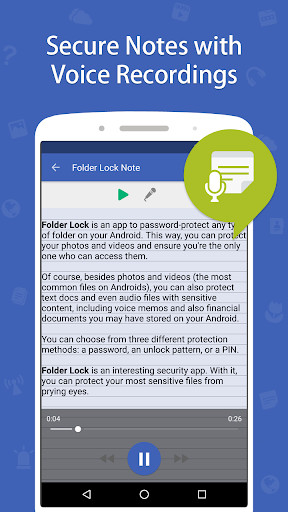
Never leave passwords or private thoughts in your phone's default unencrypted notepad app. By migrating your sensitive text into a dedicated "Secret Notes" or "Passwords" manager within a secure vault, you guarantee that even if the device's main lock is bypassed, your specific login credentials and private texts remain entirely unreadable.

Before you attempt to wipe or recover a device, run through this checklist to ensure your secondary data is secured.
0/5 Completed
Many users assume the Android system screen lock is sufficient. Here is how relying solely on OS locks compares to using dedicated encryption software for Android phones.
| Security Layer | Data Encryption | Cloud Backup Integration | Intruder Tracking | Limitations |
|---|---|---|---|---|
| Built-in Screen Lock (PIN/Biometric) | Device Level Only | None (relies on Google sync) | No | If the PIN is shared or guessed, all apps and files are fully exposed. |
| Google Photos Locked Folder | Basic | No | No | Does not sync across devices; lost completely upon app uninstall or reset. |
| Samsung Secure Folder | Knox Hardware Level | Samsung Cloud only | No | Tied exclusively to the Samsung ecosystem; cannot migrate to Pixel or Motorola. |
| Folder Lock Android (Third-Party) | AES 256-bit | Yes (Dropbox, Google Drive, OneDrive) | Yes (Captures Photo) | Requires remembering an independent Master PIN. |
If you are attempting to recover or reset an Android phone and need to secure your data first, follow these steps using Folder Lock.

Use the toggle below to see the difference between the basic free version and the upgraded features.

Ideal for basic file hiding and photo protection.
Advanced security tools, cloud syncing, and data recovery for power users.
Whether dealing with Android system secure folder locked notifications or forgotten credentials, here are the official recovery steps.
If you forget your secondary app lock PIN (like in Folder Lock), you cannot simply bypass it via a command line (e.g., queries like "how to unlock folder lock using cmd" do not apply to mobile environments). You must use the "Forgot Password" option on the lock screen. This will send a reset link or code to the recovery email address you registered during initial setup. If no email was registered, the AES encrypted data cannot be recovered.
We strictly advise against seeking bypass software for dedicated encryption tools. If you are locked out of PC or mobile folder locks, always consult the official vendor's support team with your license key to seek authorized reset paths.
If the Android system continuously shows a "secure folder locked" notification, simply tap the notification, enter your secure folder PIN to authenticate, and the notification will clear. You can also adjust notification permissions in your Android settings to hide content on the lock screen.
"I had to reset my phone and was terrified of losing my financial docs. The encrypted cloud backup to Google Drive saved everything perfectly."
"The stealth mode is brilliant. Nobody even knows I have a vault installed, I just type my code into the phone dialer."
"App lock keeps my kids out of my work emails, and the intruder selfie feature caught my roommate trying to guess my PIN!"
"I had to reset my phone and was terrified of losing my financial docs. The encrypted cloud backup to Google Drive saved everything perfectly."
"The stealth mode is brilliant. Nobody even knows I have a vault installed, I just type my code into the phone dialer."
If you are managing an Android device reset or recovery, ensuring your legal ownership through Google's official channels is the only safe route. To prevent data exposure during these events, implementing a dedicated, encrypted app lock is crucial. For reliable AES 256-bit encryption, Intruder Selfie capture, secure digital wallets, and seamless cloud backups to Dropbox or Google Drive, we highly recommend Folder Lock Android.